
Mercedes Benz App
Mercedes-Benz Connected Services
Your Mercedes-Benz, in your pocket
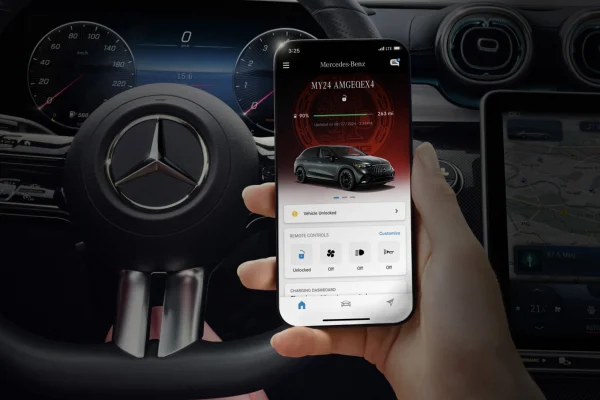
Start the engine from your kitchen. Cool the cabin before you cross the parking lot. Check whether you locked the doors without walking back outside. The Mercedes-Benz app puts your vehicle a tap away — and if you bought your car at Albany Motorcars, we'll help you get it set up.
Available on iOS and Android for most model year 2019 and newer Mercedes-Benz vehicles.
What the app actually does
No fluff here — these are the features owners around Albany use every single day, especially in a South Georgia July. Most remote services are complimentary for the first year of ownership.
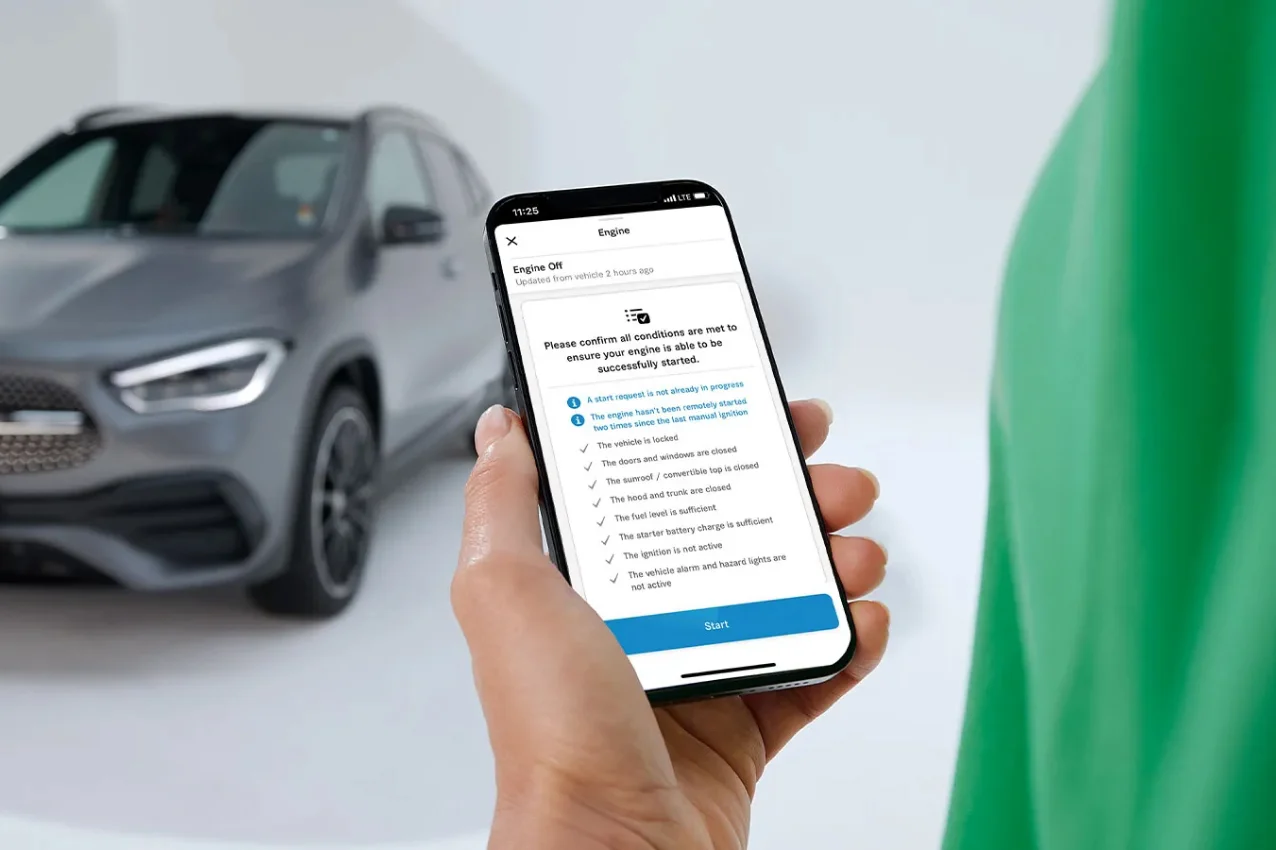
Remote Engine Start
Start your engine anytime, anywhere. Fire up the car before you leave the office on Oglethorpe Blvd, and step into a cabin that's already at your temperature — no more gripping a steering wheel that's been baking in the sun.
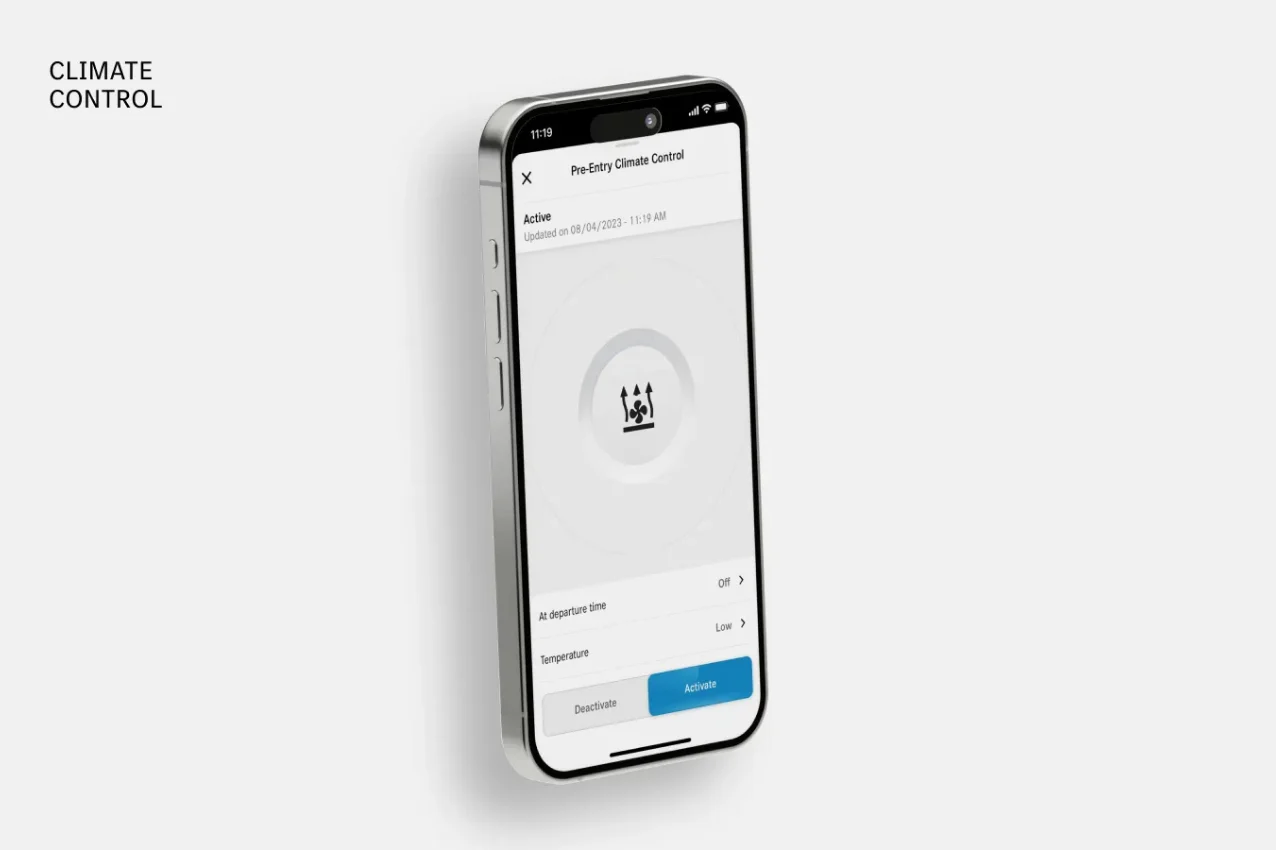
Pre-Entry Climate Control
Set your preferred cabin temperature and switch on heated or cooled seats with one tap. Better yet, set a daily departure time and your Mercedes-Benz warms or cools itself so it's perfect the moment you're ready to roll — cold snap or heatwave.
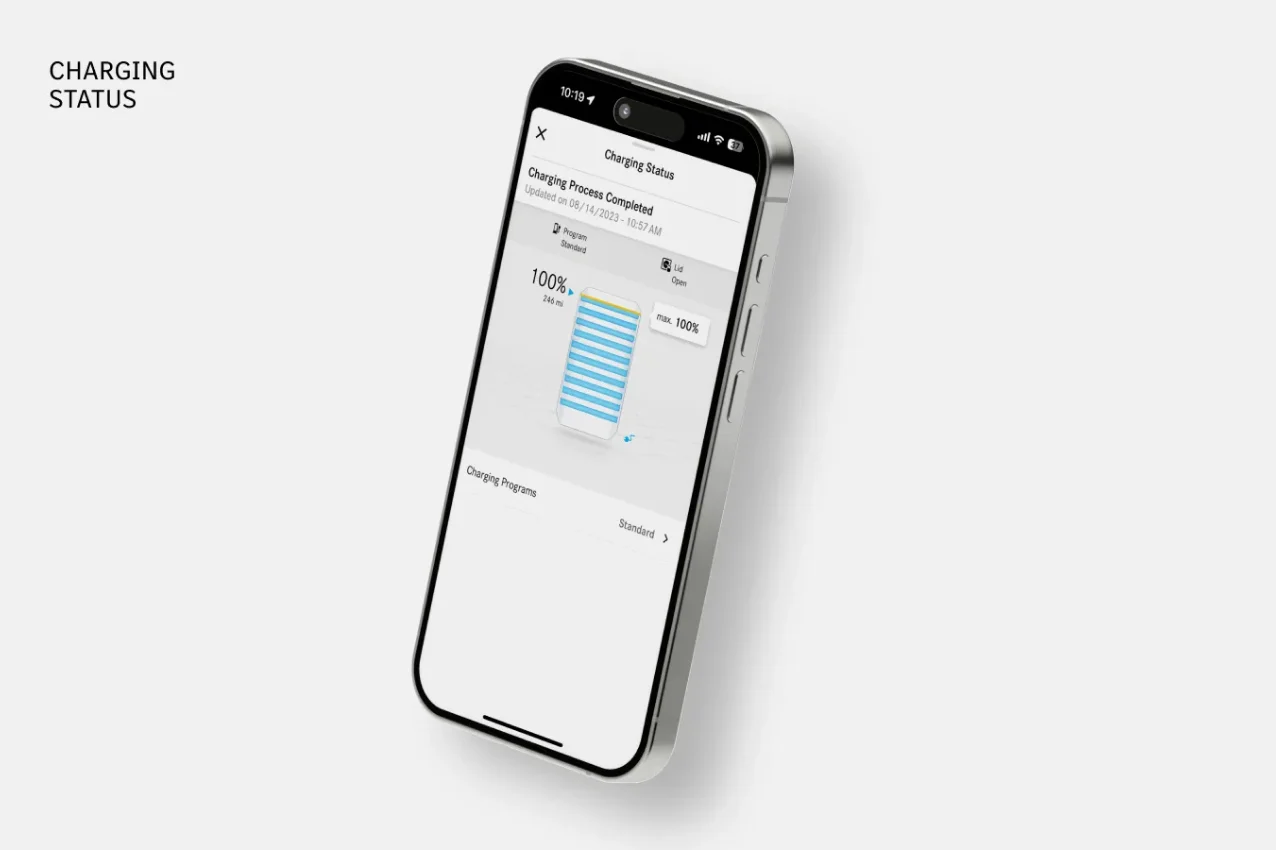
Battery & Charging Status
Driving an EQB, EQE, or EQS? Check your battery level and charging completion time right from your phone, with real-time push notifications as your status changes. No guessing, no walking out to the garage to check the dash.
Explore all-electric Mercedes-Benz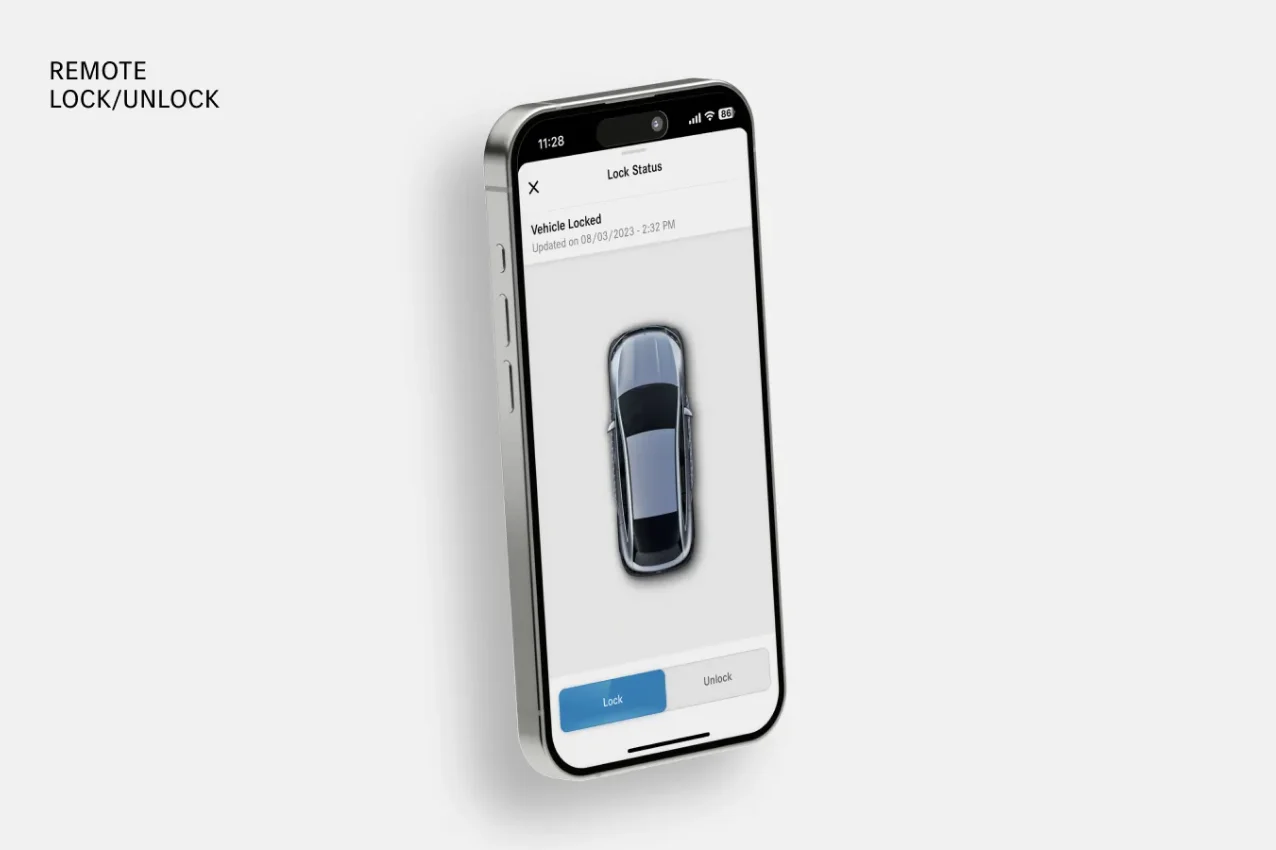
Lock, Unlock & Locate
Can't remember if you locked the doors? Handle it from anywhere with one tap. And when you lose your car in a packed lot — it happens to all of us — pinpoint its exact location and flash the lights and horn to find it faster.
Connected features, phone to dashboard
The app doesn't stop at remote start. Here's what runs on your phone — and what runs inside the MBUX multimedia system.
On your phone
iOS Live Activities & Widgets
Watch real-time charging status on your iPhone Lock Screen or Dynamic Island, or keep tabs on your vehicle with home-screen widgets for iOS and Android.
Digital Vehicle Key
With a compatible iPhone or Apple Watch, lock, unlock, and even drive your vehicle — no fob required.
Service reminders & scheduling
Get reminders when maintenance is due and contact us at Albany Motorcars to book it — or schedule service online right now.
Vehicle status at a glance
Up-to-the-minute data on mileage, fuel level, tire pressure, and more.
In your car
Online Music
Stream your favorite songs directly through the MBUX multimedia system — fully integrated, no phone juggling.
Online Map Updates
The latest navigation maps download over-the-air without slowing down your head unit.
Live Traffic Information
Real-time traffic and optimized route guidance right on your vehicle's navigation, with early warnings about weather hazards and breakdowns ahead.
Digital Extras from the Mercedes-Benz Store
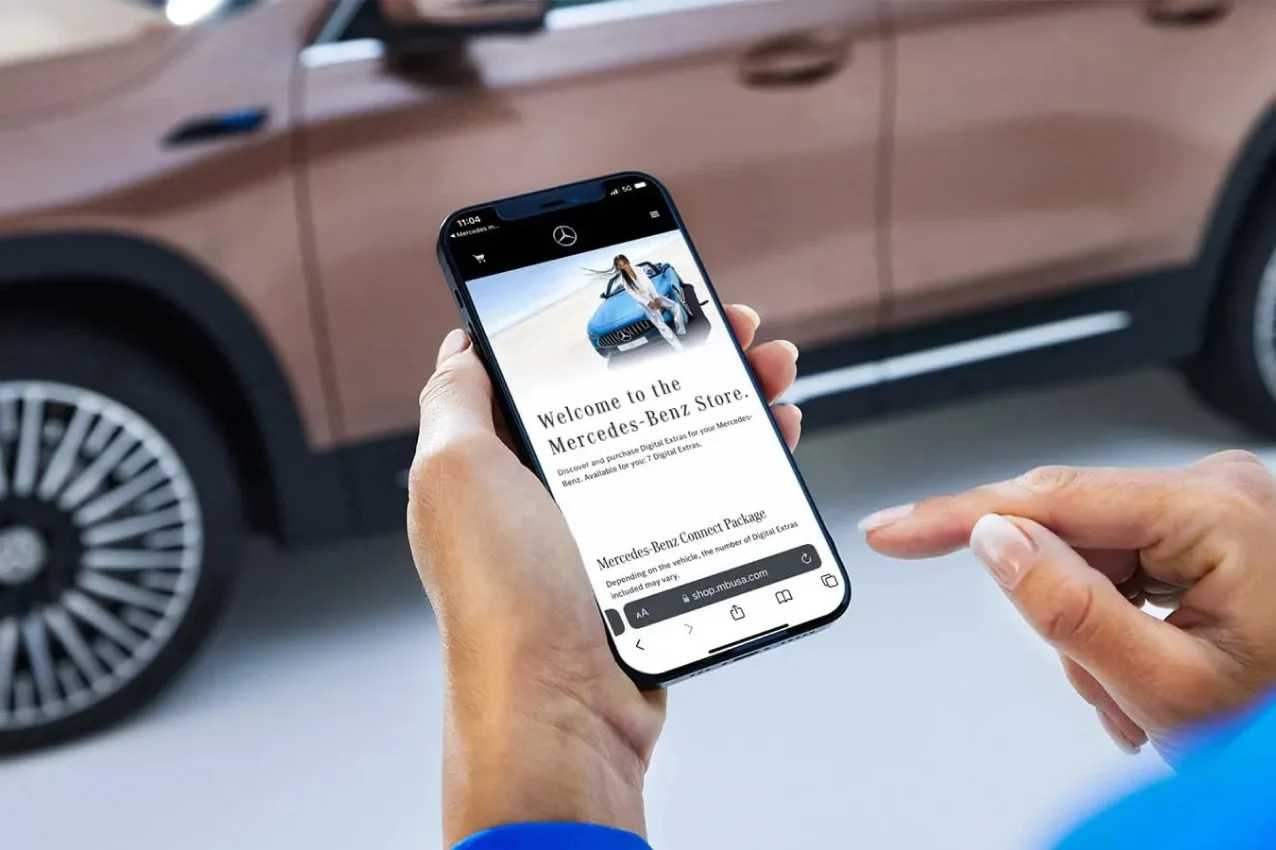
Add features like the built-in Dashcam or an Acceleration Increase for all-electric models that trims your 0-to-60 time — purchased digitally, delivered over-the-air.
Built for electric driving
Mercedes me charge, built into the app, gives EV drivers access to over 60,000 public charging points nationwide — useful whether you're commuting around Albany or heading down I-75 to Florida.
- Wallbox pairing: start charging at home, enable access protection, review charging history, and estimate energy costs.
- Navigation with Electric Intelligence: route planning that factors in charging stops, weather, and topography — so range anxiety stays out of the trip.
Activation takes minutes, not an afternoon
Pair your vehicle and switch on services like Remote Engine Start, Remote Door Lock & Unlock, and Locate Vehicle right from the app.
- 1
Download the Mercedes-Benz app from the App Store or Google Play.
- 2
Scan the QR code in your vehicle's multimedia system, or enter your VIN in the app.
- 3
Tap one button to activate all of your services. Done.
Buying from us? We'll handle setup before you leave the lot at 805 East Oglethorpe Blvd. Already home? Call Mercedes-Benz support at 1-800-367-6372 or swing by and we'll walk you through it.
Straight answers to common questions
How do I get the Mercedes-Benz app?
You'll need a model year 2019 or newer Mercedes-Benz (select 2018 GLE and 2018 C-Class models qualify too — ask us to check yours). Download the app on iOS or Android, and most remote access services are complimentary for the first year.
How do I activate my services?
If you buy from Albany Motorcars, we'll do it with you at delivery. Already left? Download the app, add your vehicle using the on-screen instructions, and activate services from there. Need a hand? Stop by, or call 800-367-6372.
Do I need a credit card to activate it?
No. The standard package includes a wide range of features, and remote access features come standard for the first year starting with model year 2022. You'll only need a card if you renew services later through the Mercedes-Benz Store.
What happens when the complimentary trial ends?
Most remote services stop working, but your account stays open and active for non-expiring services. You can see exactly what's still active inside the app.
How do I renew services like Remote Engine Start?
Log in at the Mercedes-Benz Store (shop.mbusa.com), add eligible services to your basket, and check out. Services activate as soon as your vehicle has an active connection — though it can take up to 48 hours depending on your coverage zone.
What's the difference between mbrace and the Mercedes-Benz app?
Same idea, different generations. mbrace serves most 2017 and 2018 models; the Mercedes-Benz app covers most 2019 and newer vehicles, plus select 2018 GLE and C-Class models. Not sure which yours has? Give us a call and we'll look it up.
Is there an app for my Mercedes-Benz Financial Services account?
Yes — that's the separate Mercedes-Benz Finance app. Use it to register your account, make payments, and view transaction history. Questions about your loan or lease? Our finance team can help.
More questions? Browse our full FAQ page or contact us directly.
The app is great. The car comes first.
Every 2019-and-newer Mercedes-Benz on our lot is app-ready, and we'll pair yours before you pull off Oglethorpe Blvd. Come see the largest selection of high-quality vehicles in Albany, GA.